WordPress.org vs WordPress.com – Which is Right for You?
1. Introduction: WordPress.org vs WordPress.com – Why the Confusion?
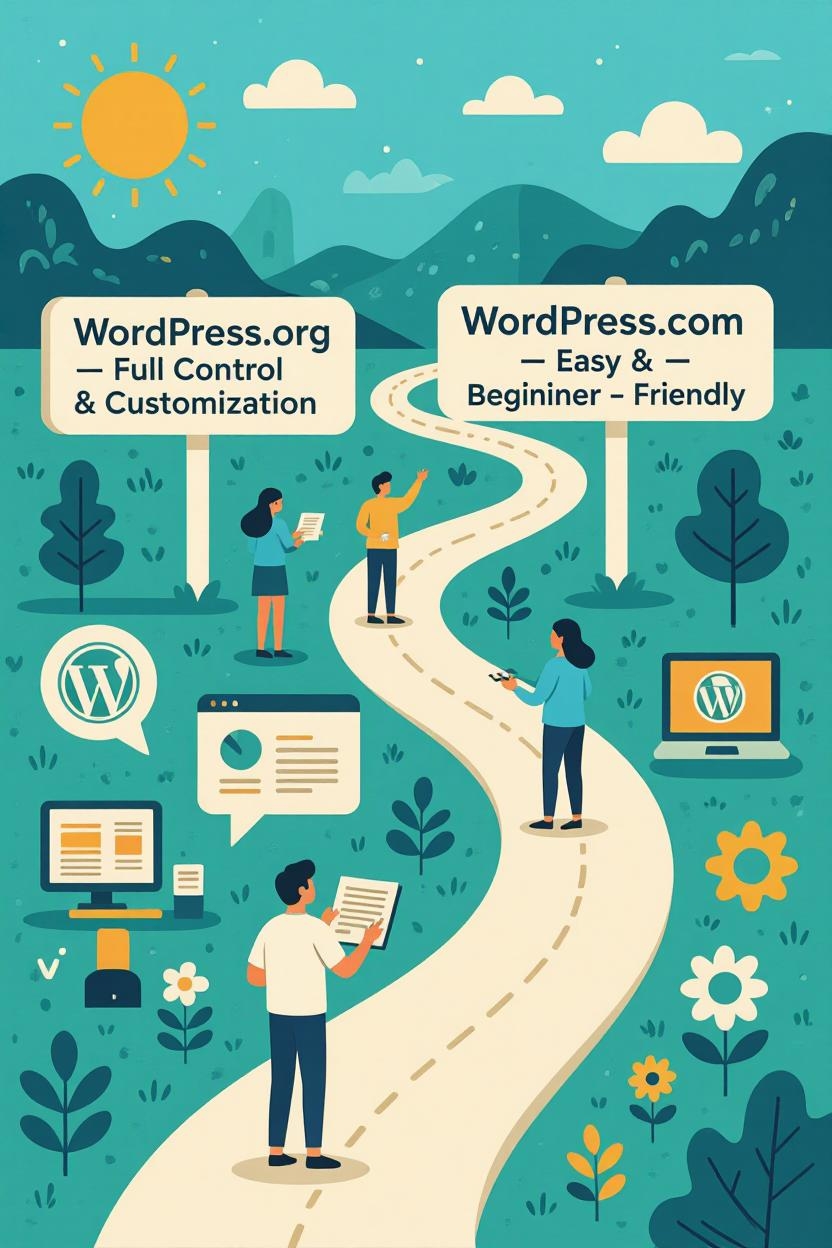
If you’re new to WordPress, the first confusion you’ll face is the difference between WordPress.org and WordPress.com. Although both share the same name and core software, they are very different platforms when it comes to control, customization, and costs. Choosing the right one depends on your goals—whether you’re starting a personal blog, a business website, or an online store.
In this guide, we’ll break down everything you need to know about WordPress.org vs WordPress.com so you can make the right choice for your website.
2. What is WordPress.org?
WordPress.org is often referred to as the self-hosted WordPress. It’s an open-source platform that allows you to download and install the WordPress software on your own web hosting server.
- You own your website completely.
- You can install any theme or plugin.
- You have full control over customization, design, and monetization.
It’s the go-to choice for businesses, bloggers, and eCommerce store owners who want complete freedom and flexibility.
3. What is WordPress.com?
WordPress.com is a hosted version of WordPress. Instead of downloading software, you simply sign up for an account, and WordPress.com takes care of hosting, security, and updates for you.
- Limited customization on free plans.
- Upgrades needed to unlock advanced features.
- Easier setup but less flexible than WordPress.org.
It’s ideal for beginners who want a simple blogging platform without worrying about hosting or technical management.
4. Key Differences Between WordPress.org and WordPress.com
Here’s a quick side-by-side comparison:
| Feature | WordPress.org | WordPress.com |
|---|---|---|
| Hosting | Self-hosted | Hosting included |
| Customization | Unlimited | Limited (depends on plan) |
| Plugins | All available | Restricted (premium plans only) |
| Monetization | Full freedom | Limited to WordAds (on paid plans) |
| Control | 100% ownership | Restricted by WordPress.com policies |
| Cost | Hosting + domain fees | Free with paid upgrade options |
5. Ease of Use: Which Platform is Beginner-Friendly?
- WordPress.com wins for beginners. You don’t need to worry about hosting, updates, or security—it’s all handled for you.
- WordPress.org requires a little more setup (domain + hosting), but platforms like Bluehost, SiteGround, or Hostinger make it easier with one-click installations.
If you’re just starting out and don’t want technical responsibilities, WordPress.com is a safer bet.
6. Customization Options and Flexibility
- With WordPress.org, you can choose from thousands of free and premium themes, install custom plugins, and even edit the code to create a fully unique site.
- WordPress.com limits customization, especially on free or lower-tier plans. To unlock plugins and advanced designs, you’ll need to upgrade to their Business or eCommerce plans.
So, if customization and growth are your goals, WordPress.org is the clear winner.
7. Costs and Pricing Comparison
- WordPress.org: You’ll need to pay for hosting ($3–$10/month on average) and a domain name ($10–$15/year). Premium themes or plugins may add extra costs.
- WordPress.com: Free basic plan, but serious features require paid upgrades. The Personal plan starts around $4/month, Business at $25/month, and eCommerce at $45/month.
In the long run, WordPress.org is usually more affordable and scalable.
8. Monetization and Earning Potential
- With WordPress.org, you have no restrictions—you can run ads, sell products, offer memberships, or use any monetization method.
- With WordPress.com, monetization is limited. Free and lower-tier plans block ads, while higher plans allow WordAds but still restrict third-party ad networks like Google AdSense unless you’re on the Business plan.
If you want to build an income-generating website, WordPress.org is the smarter choice.
9. Pros and Cons of WordPress.org vs WordPress.com
WordPress.org Pros:
- Complete control and ownership
- Unlimited plugins and themes
- Full monetization options
- Scalable for any type of website
WordPress.org Cons:
- Requires hosting setup
- You’re responsible for updates and security
WordPress.com Pros:
- Easy to set up—no hosting needed
- Security and backups are handled
- Free basic plan available
WordPress.com Cons:
- Limited customization on free and lower-tier plans
- Restrictions on monetization
- Higher long-term costs for premium features
10. Final Verdict: Which WordPress Platform Should You Choose?
If you want ease of use and zero technical responsibility, go with WordPress.com. It’s best for hobby bloggers, students, or anyone who wants a quick site without worrying about hosting.
If you want control, flexibility, and long-term growth, choose WordPress.org. It’s ideal for businesses, professionals, eCommerce stores, and anyone serious about building a brand or making money online.